

DSK Smart
DSK Smart brings essential banking services together in one intuitive mobile experience. We designed the interface and key user flows to make everyday tasks easier, from managing accounts and cards to paying utility bills and exploring loan products, with a focus on clarity, consistency and ease of use.

Mobile Banking App Design
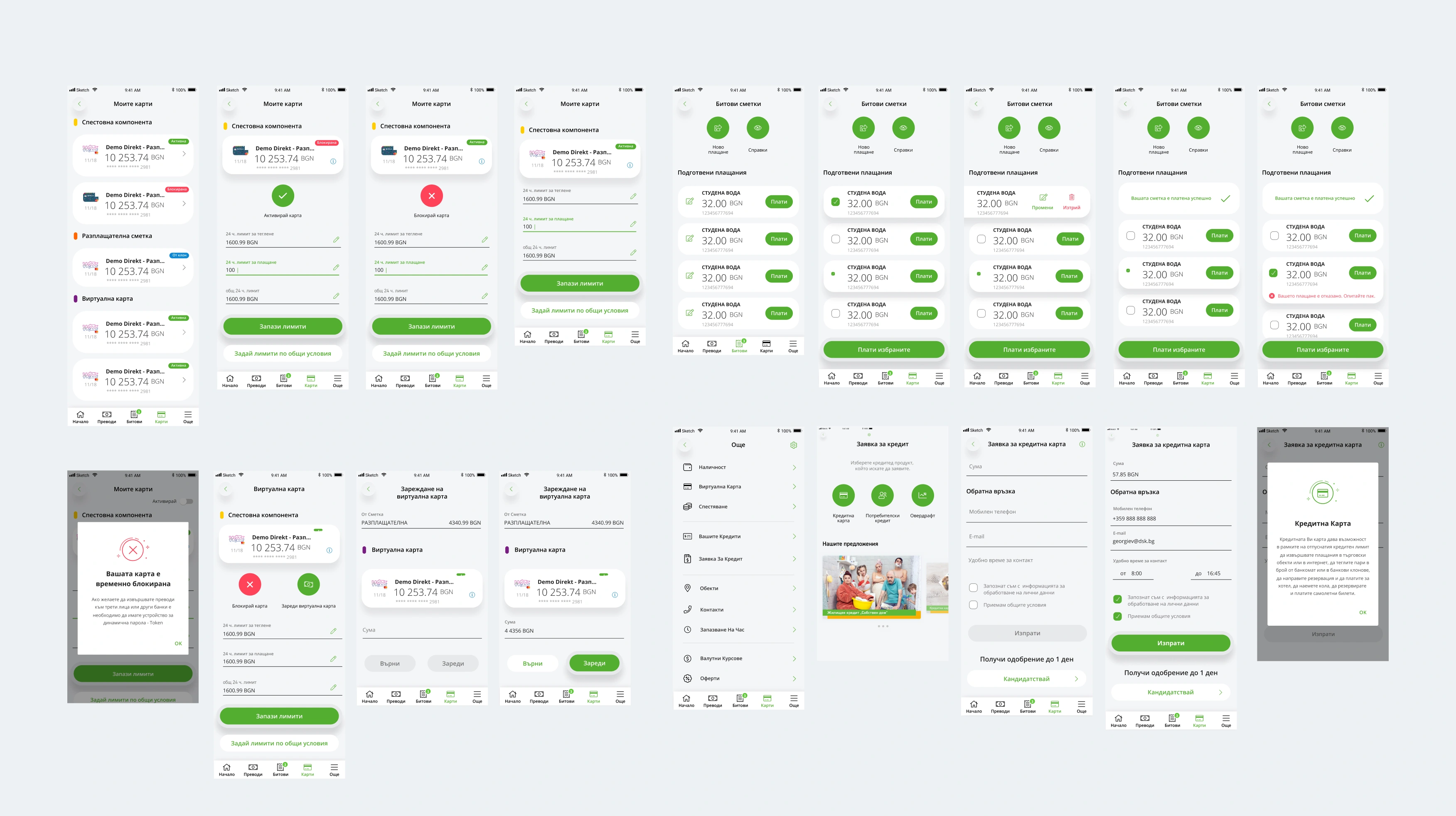
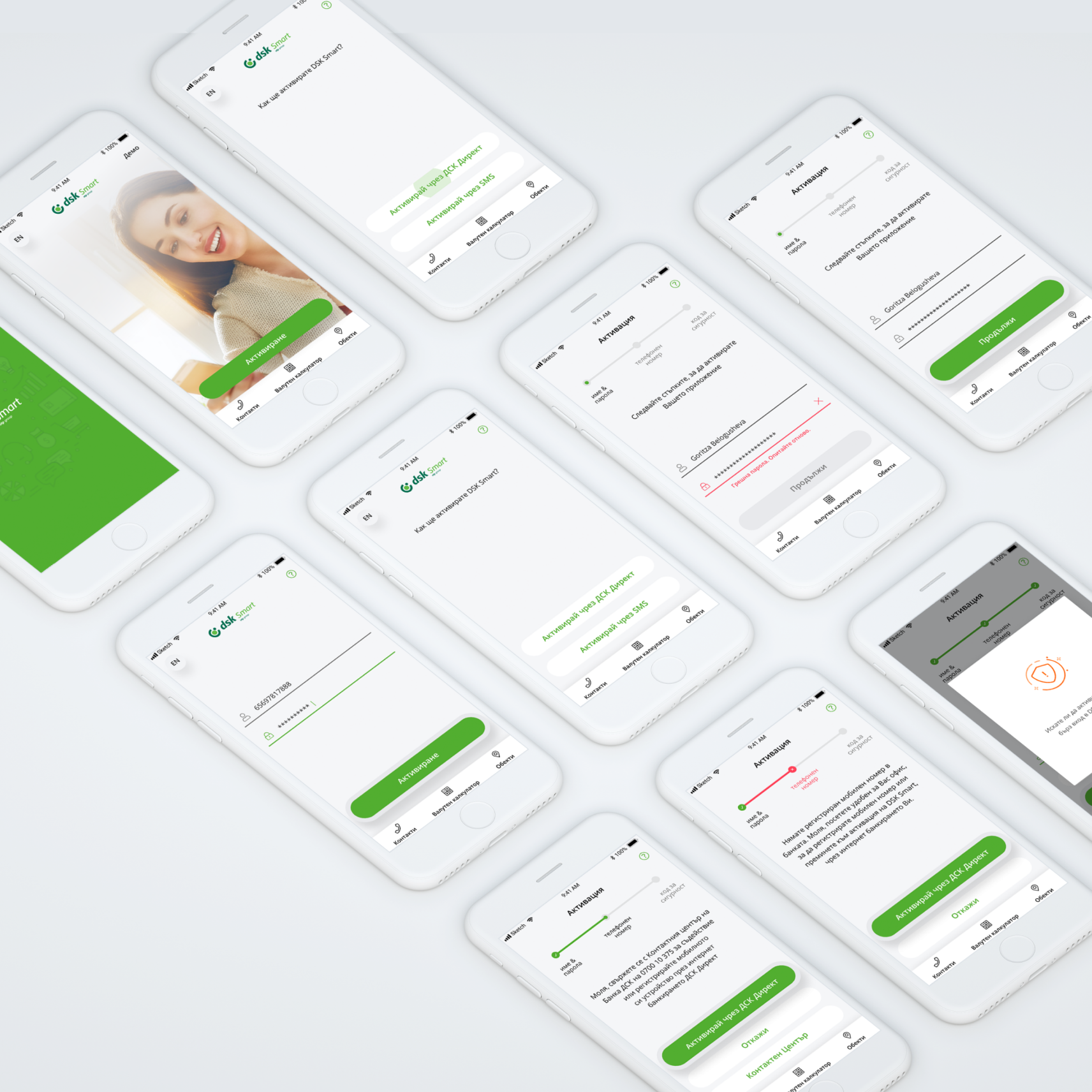
The first interactions set the tone for the whole app. We designed the login and activation screens to guide users through every step with clear instructions, familiar controls and the right feedback. From first access to activation progress and confirmation messages, every screen helps users understand what to do next.
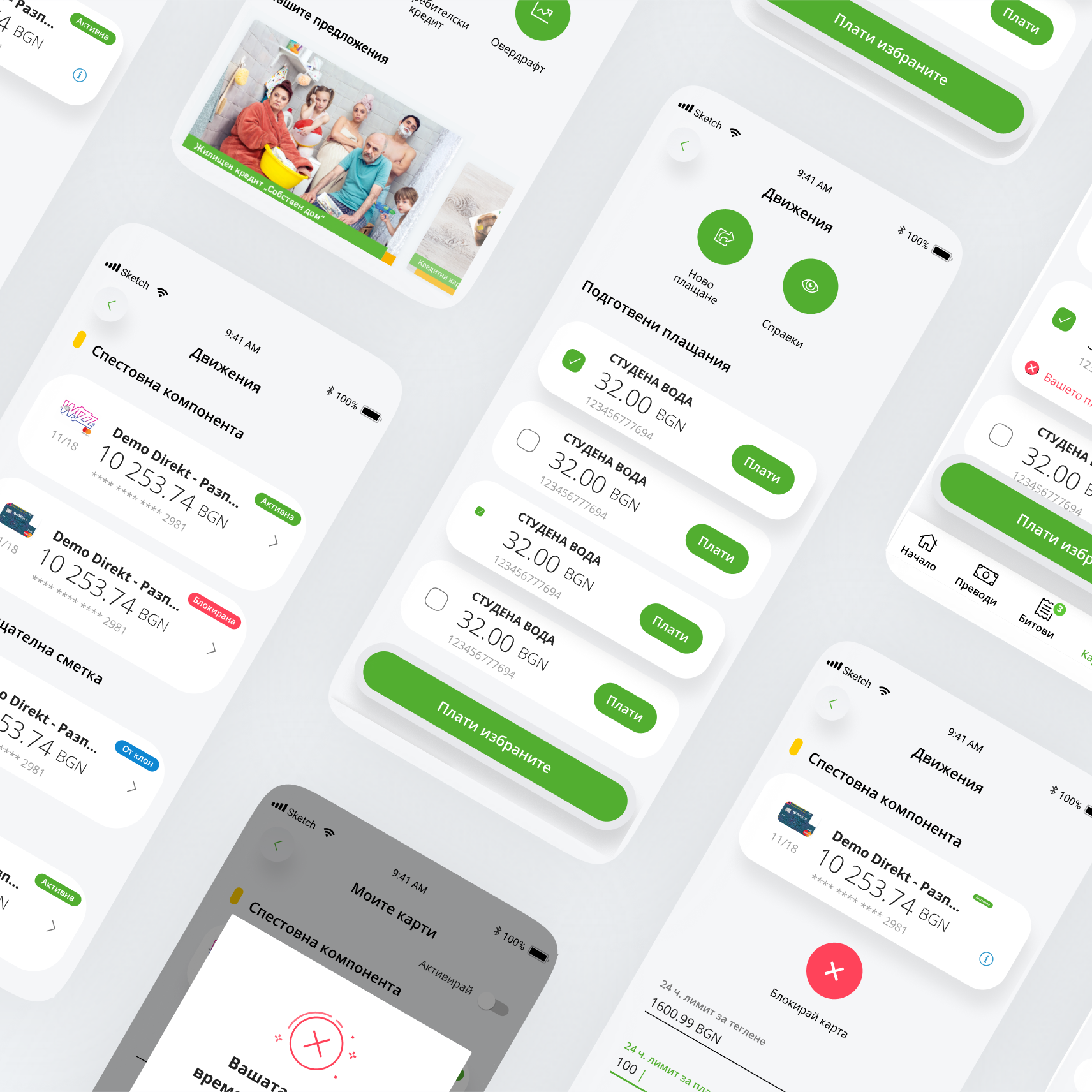
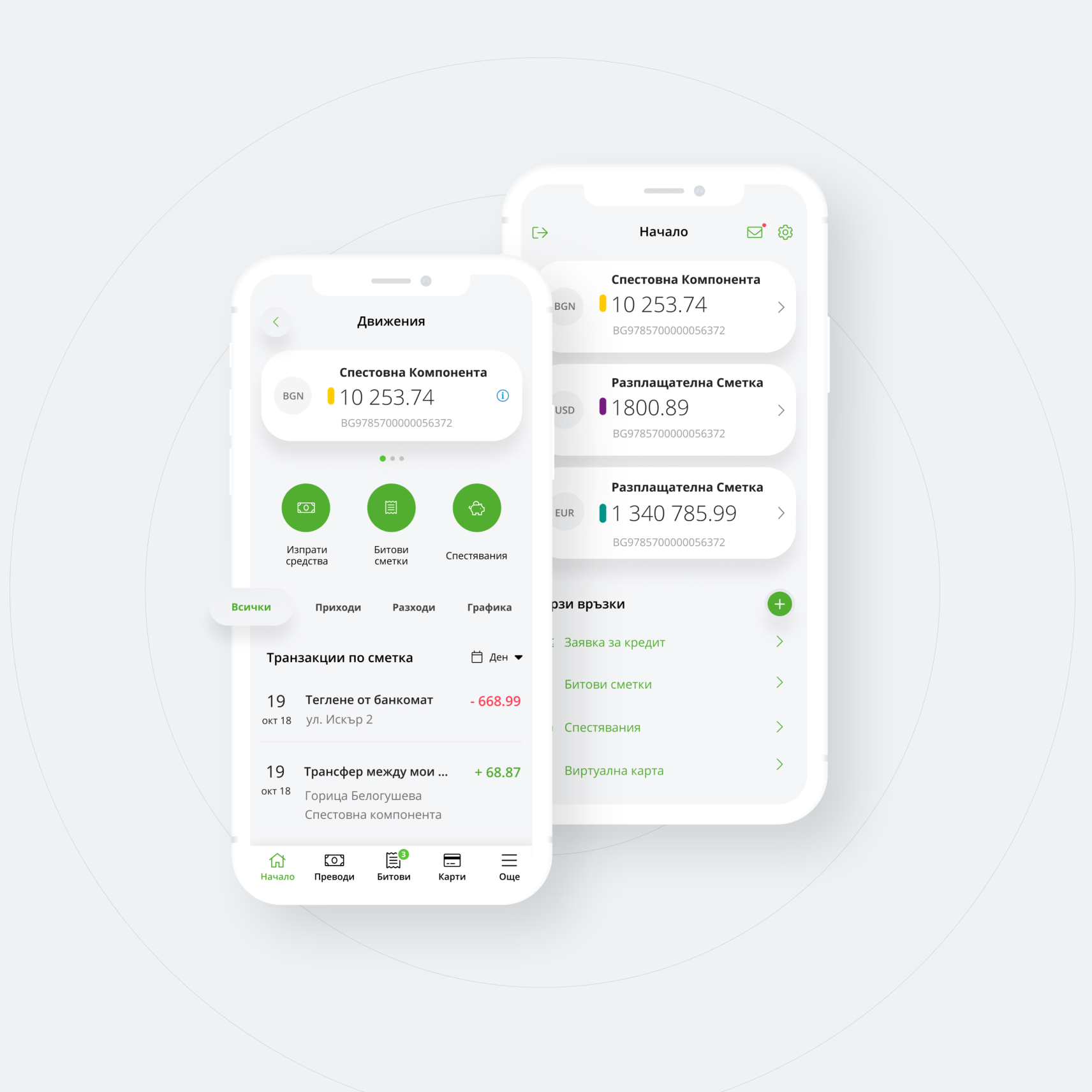
Account balances, card details and transaction history are among the most used parts of a banking app. We structured these screens so key information is easy to scan, using a clear typographic hierarchy, organised account cards and consistent visual cues for different statuses and actions.
Card details, activation states and transaction information all follow the same interface patterns, helping users move between related tasks without having to adjust each time.
Paying utility bills often involves several steps, from reviewing amounts due to selecting payments and confirming the action. We designed these flows around clear payment summaries, consistent selection controls and prominent action buttons, with feedback for completed or failed steps.
The result is a structured process that helps users understand their choices and the current status of every payment.
Loans and Additional Services
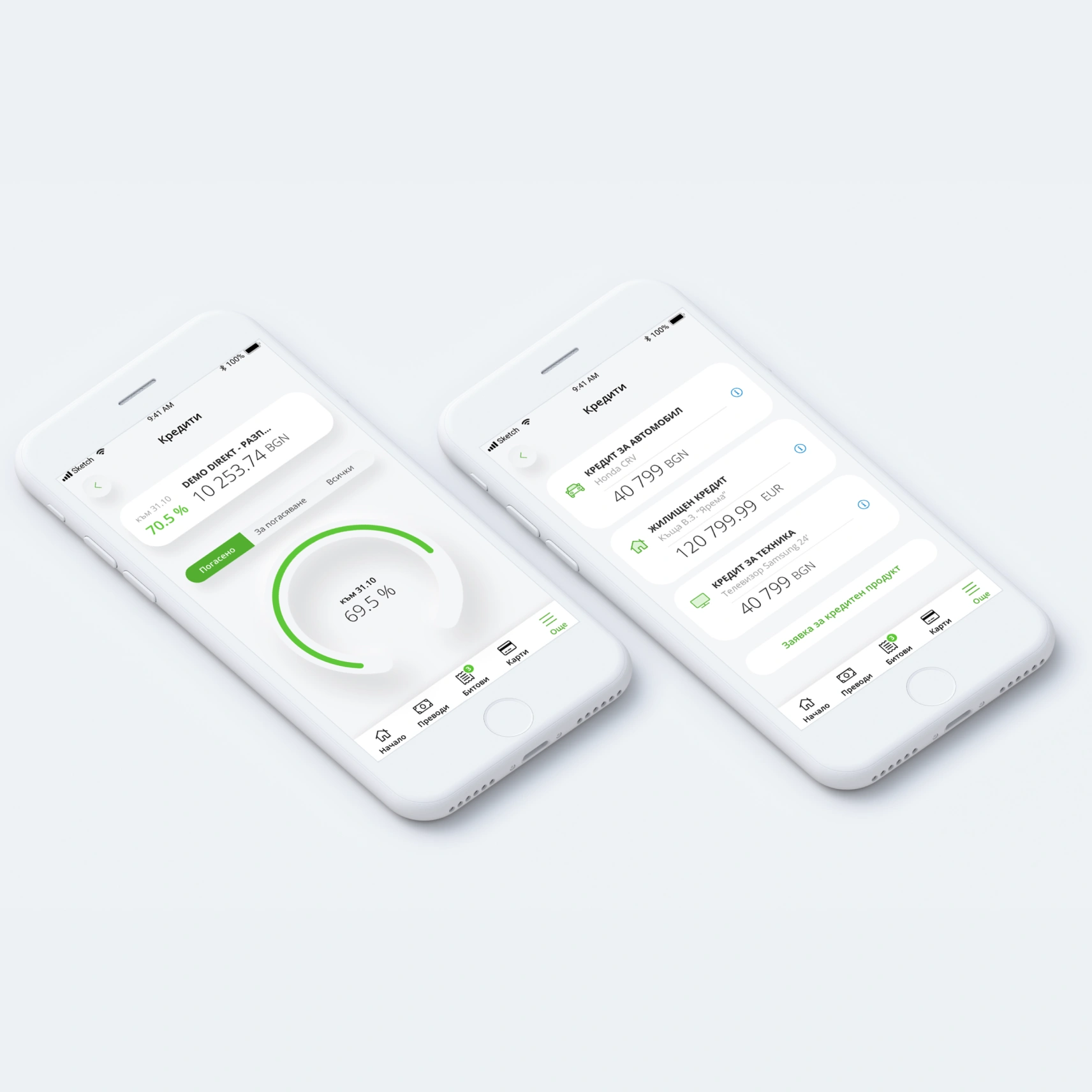
Beyond everyday transactions, the app gives access to additional banking services, including loan products and application forms. We focused on presenting these options as part of the overall app experience and on structuring the forms with clear fields, validation and a logical order of steps.
Interface Components and Design System
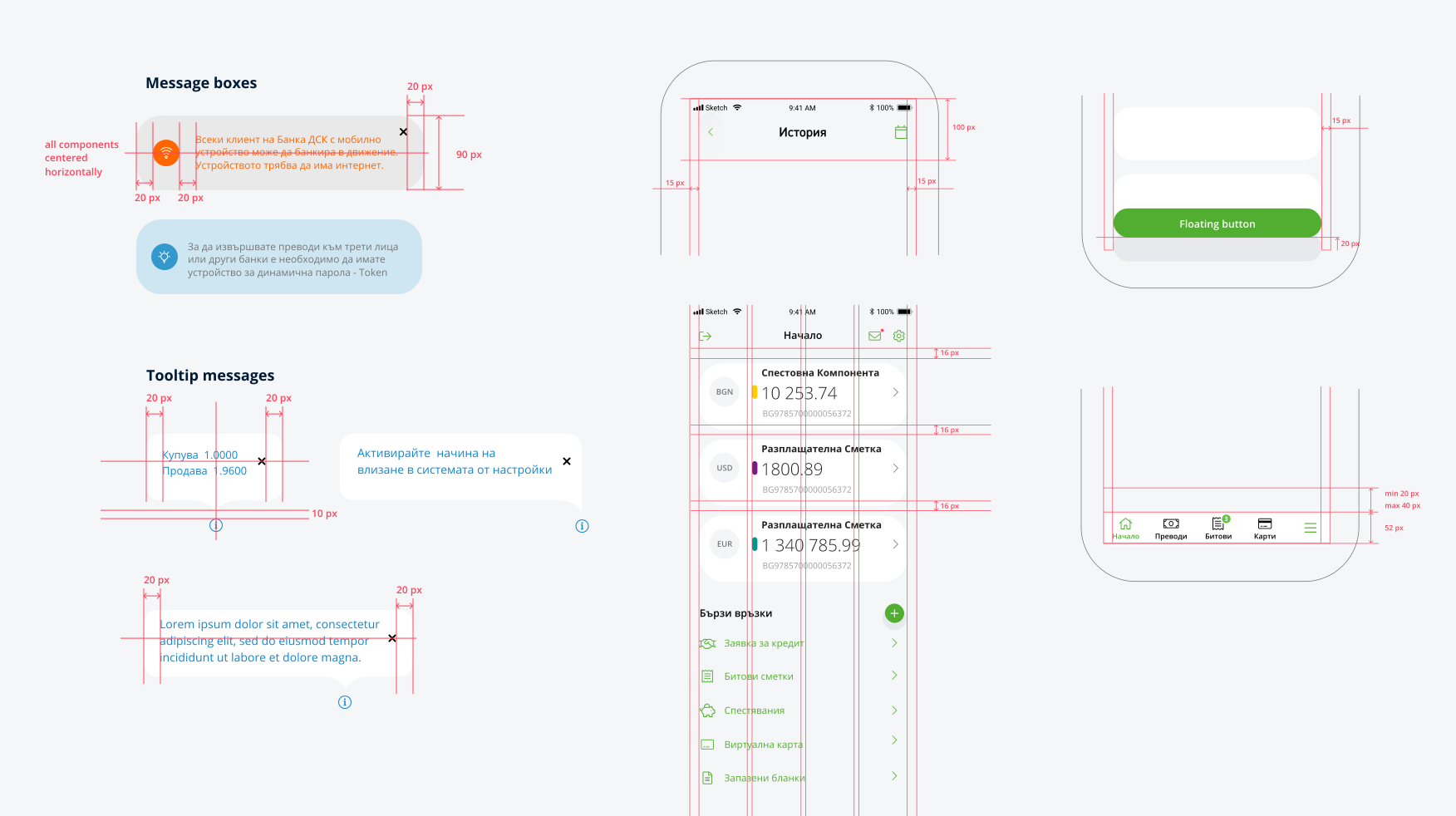
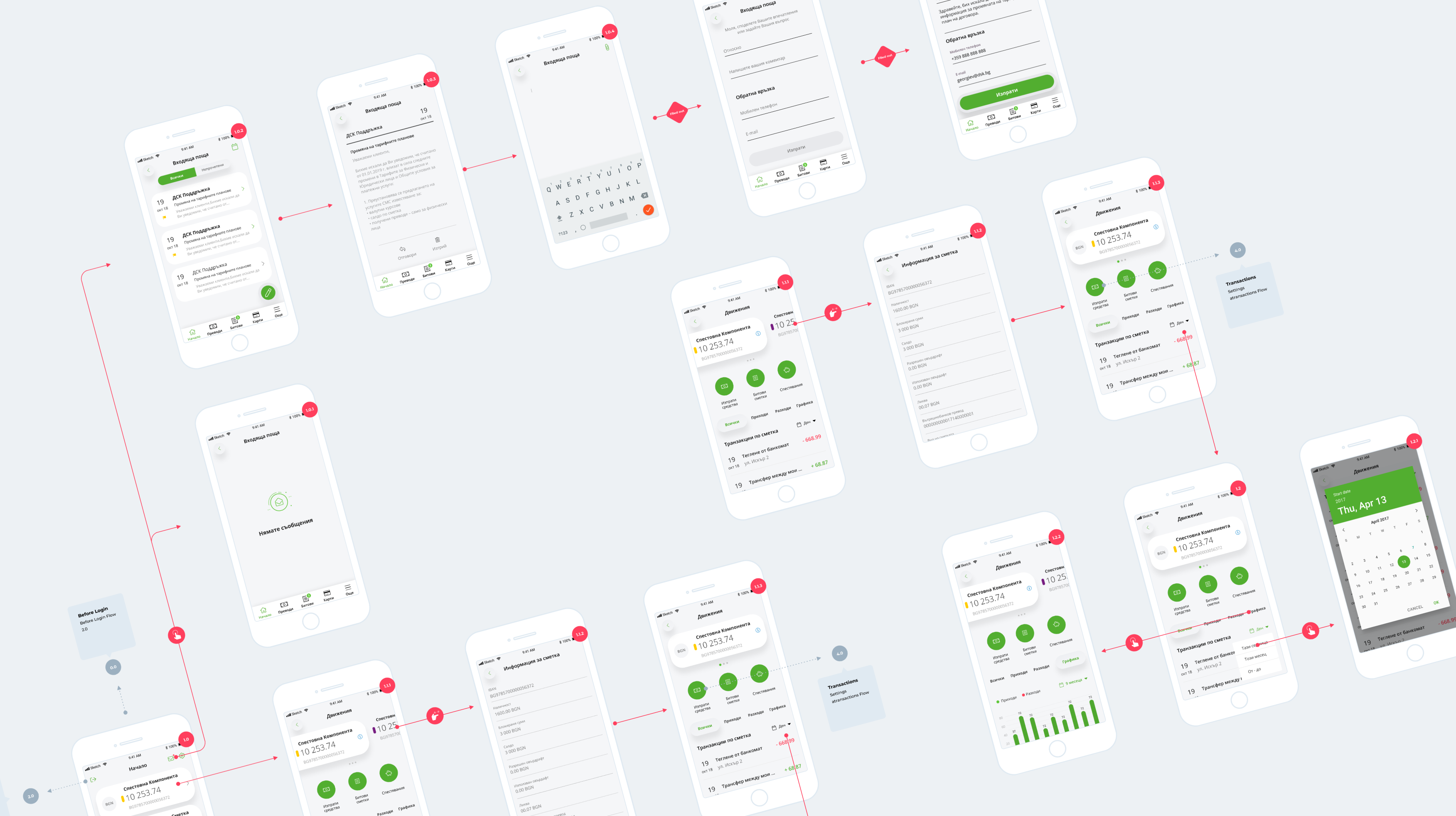
A complete banking experience depends on more than individual screens. We defined reusable patterns for interface elements such as messages, tooltips, buttons, navigation and spacing, which helps establish consistent behaviour and visual hierarchy across the whole app.
These components provide a shared foundation for different features, while keeping the interface tidy, familiar and predictable.